Framéd for macOS
Screenshots that stay in frame.
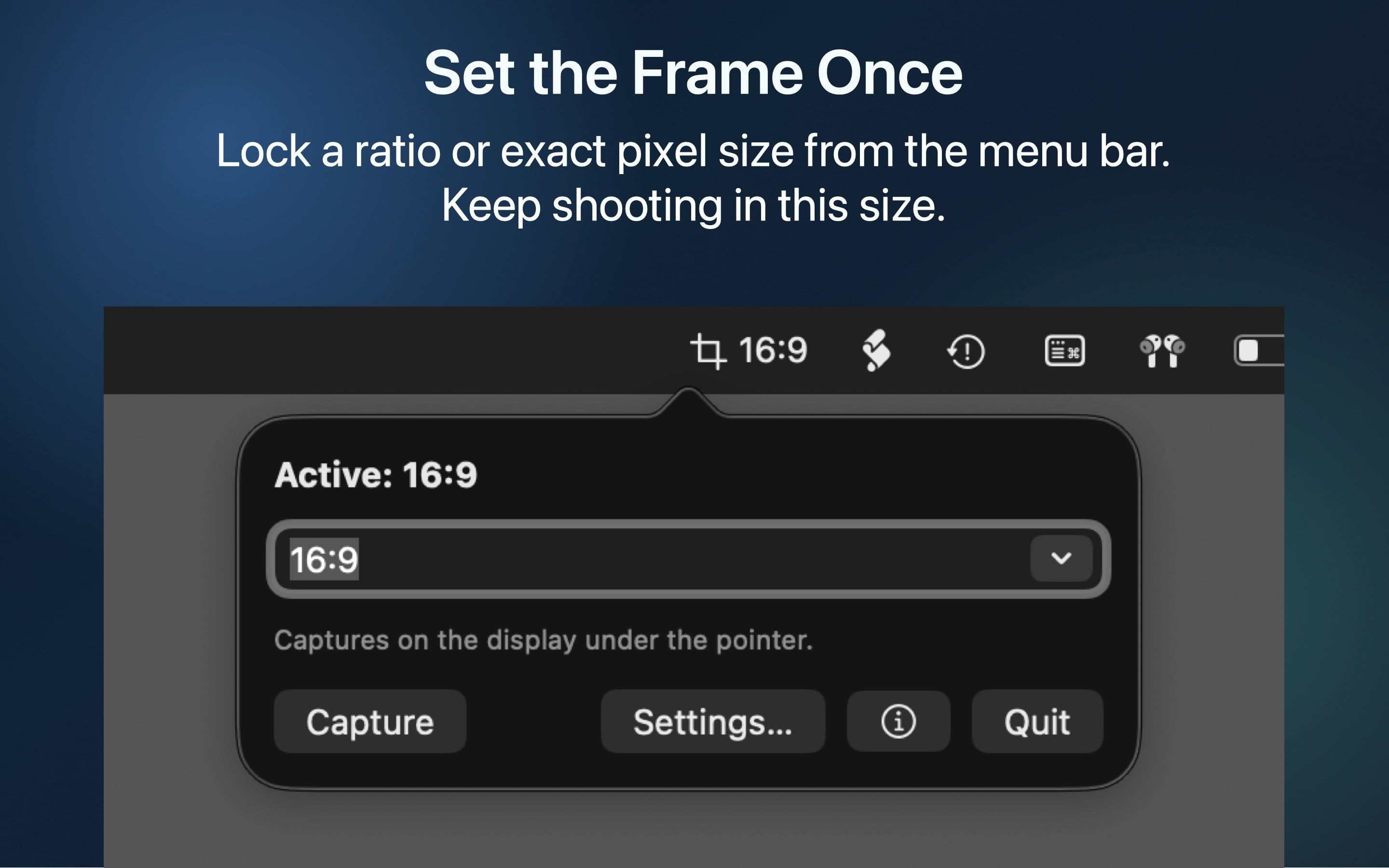
Lock a ratio or exact dimensions once. Capture precisely again and again from a fast menu bar utility built for designers, developers, and anyone making repeatable screenshots.
Framéd for macOS
Lock a ratio or exact dimensions once. Capture precisely again and again from a fast menu bar utility built for designers, developers, and anyone making repeatable screenshots.
Framéd keeps the whole workflow small: choose a ratio, place the frame, and save to the same macOS screenshot location you already use.

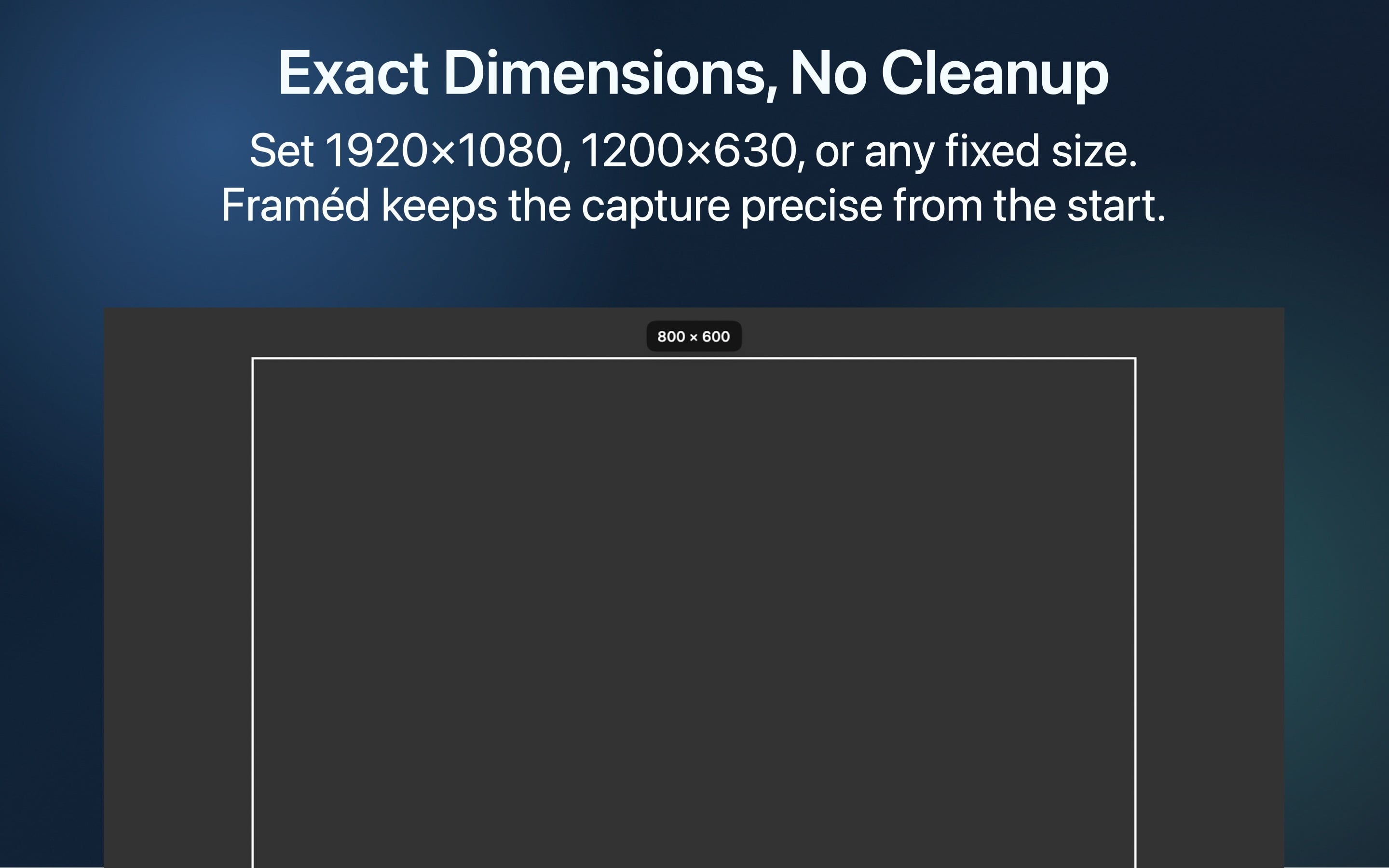
Capture at 16:9, 1:1, 4:3, or exact logical dimensions like 1920×1080 without resizing after the fact.
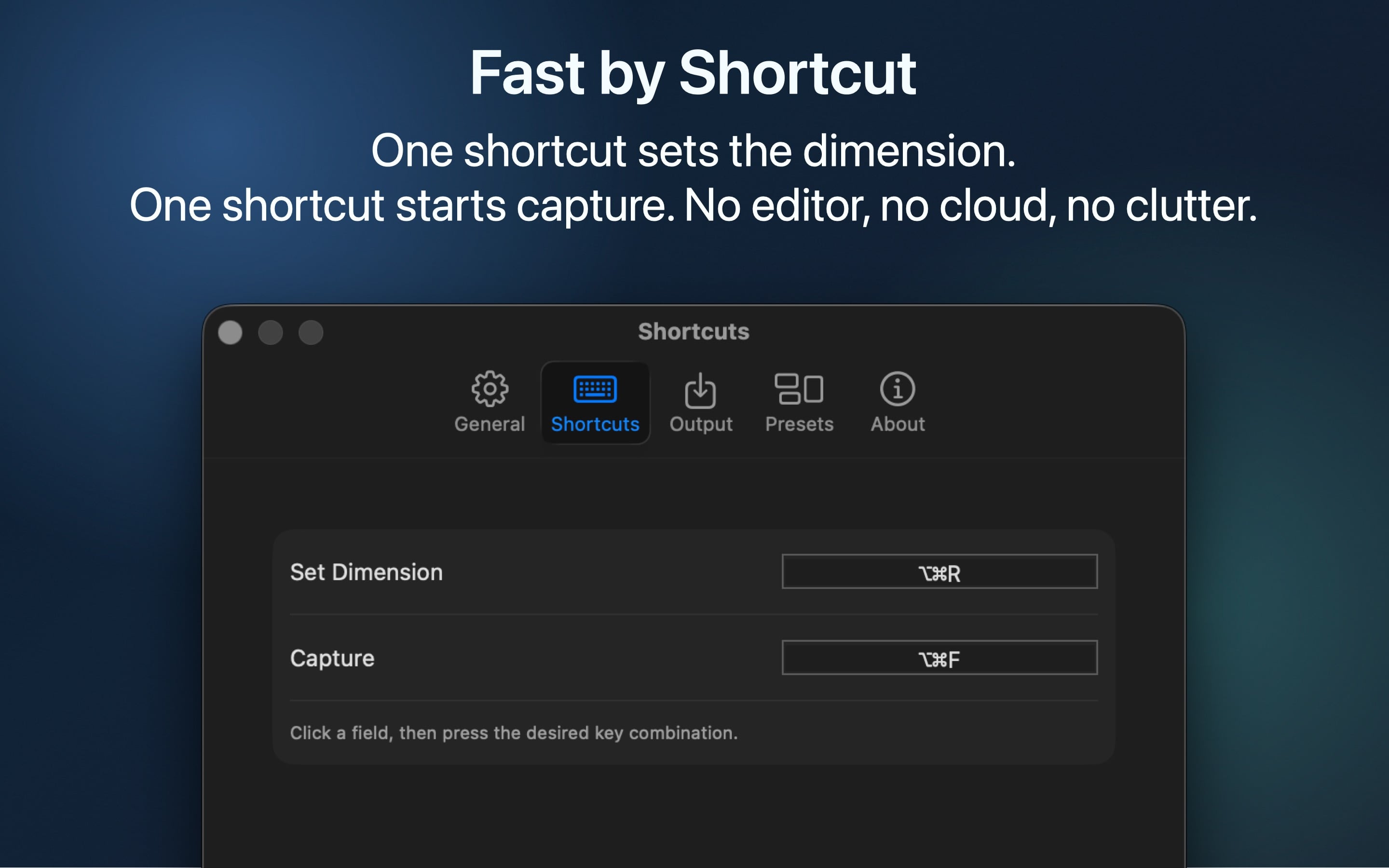
Two shortcuts handle the entire loop: set the dimension, then open the selection overlay and capture.
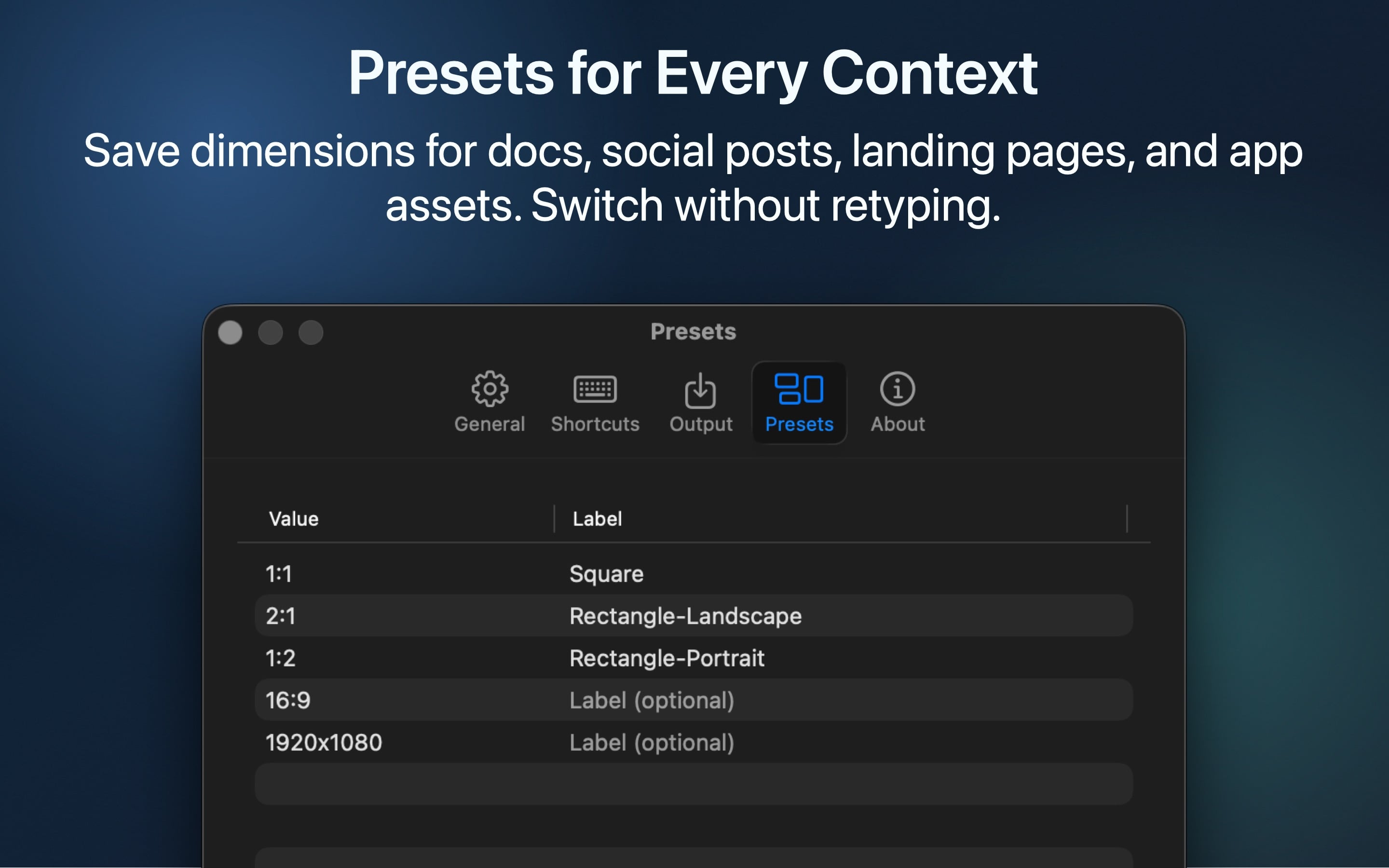
Save the ratios and sizes you use for documentation, social media, landing pages, and review notes.
Follow the system screenshot location and export as the system default, PNG, JPEG, GIF, or WebP.
Built for Mac App Store distribution with clear permission handling for Screen Recording and screenshot-folder access.
Framéd does one job: precise screenshots. There are no accounts, uploads, or editing surfaces to manage.
The interface stays quiet because the useful part is the screenshot you get at the end.
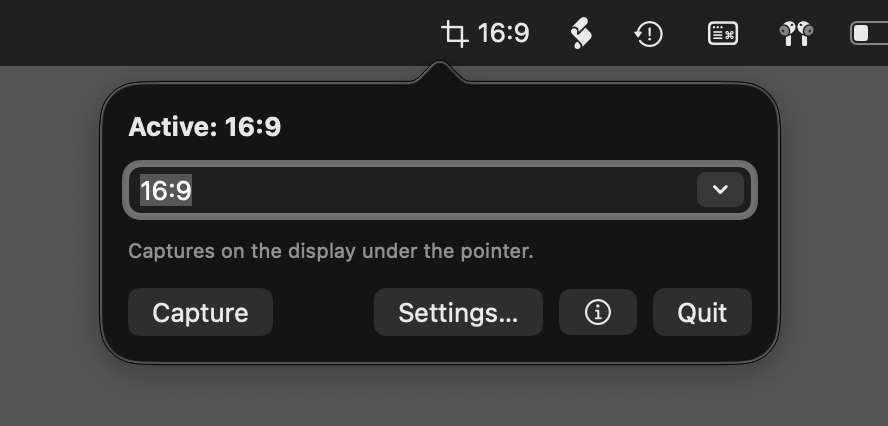
Type a ratio or pixel dimension, pick a preset, and apply it from the menu bar popover.
Move and resize the locked capture area while the live label keeps the dimensions visible.
Confirm the capture and Framéd writes the result to the macOS screenshot destination.
Available for Apple Silicon Macs on macOS 15 and later.